
Download Soda 3D PDF Reader – 3D PDF Reader, PDF viewer, document reader, digital comics, document converter
Overview
Soda 3D PDF Reader is a mobile application designed to enhance the digital reading experience by combining traditional PDF functionality with an immersive 3D viewing mode. The app enables users to read PDF documents, e-books, and digital comics in an interactive format that simulates flipping through a physical book. This makes it particularly useful for individuals who value a tactile, engaging reading environment without the need for physical copies. The app supports common document formats and allows users to convert files from Word, Excel, and PowerPoint into PDFs, expanding its utility beyond simple reading.
Target users include students, professionals, and digital comic enthusiasts who seek a streamlined, intuitive tool for managing and viewing documents on mobile devices. The inclusion of comic book support for .CBR and .CBZ files adds a unique dimension to its functionality, appealing to niche audiences looking for dedicated reading experiences. While the developer, Soda PDF, is known for document management tools, specific background details were not provided in the available data. The app’s ability to convert documents into PDFs—though requiring prior registration on the website—positions it as a practical solution for those needing to share or archive files in a standardized format.
In the broader app ecosystem, Soda 3D PDF Reader fills a gap between basic PDF viewers and full-featured document editors. It offers a middle ground by focusing on readability, accessibility, and format versatility without overwhelming users with complex tools. Its presence on Android underscores a growing demand for mobile-first document solutions that prioritize user experience and cross-format compatibility.
Key Features & Functionality
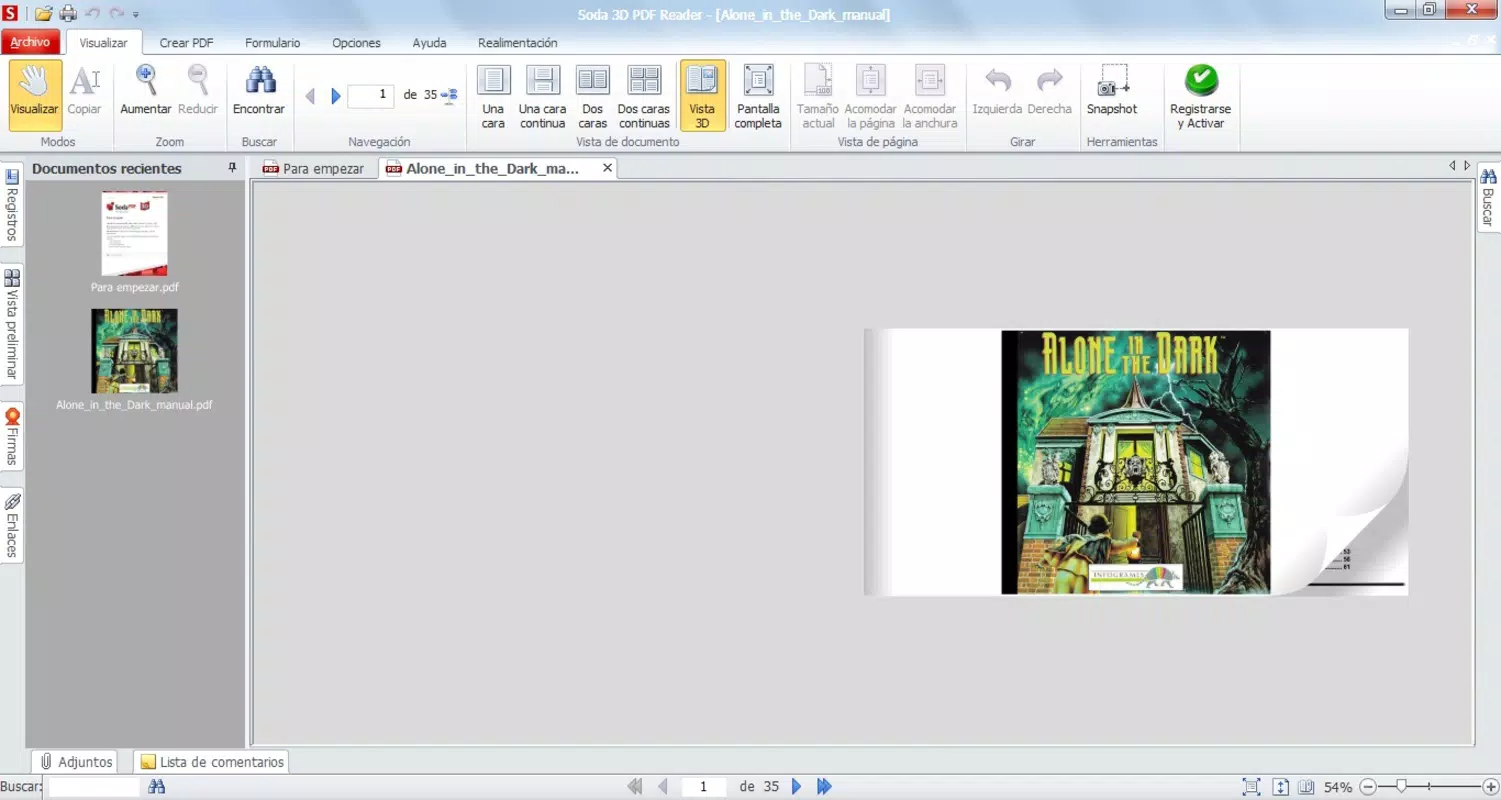
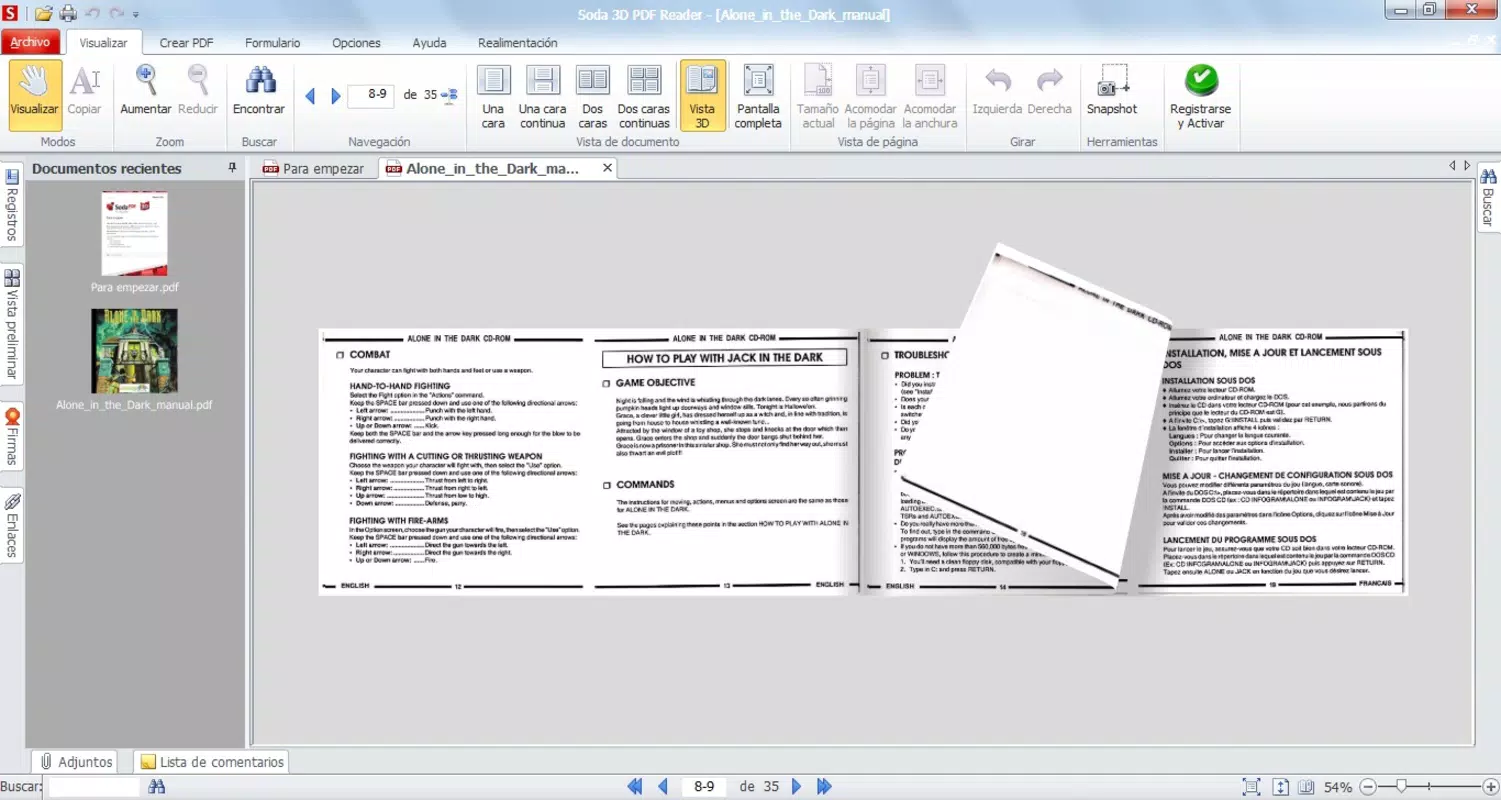
- 3D Reading Experience: The app’s standout feature is its 3D page-turning mode, which mimics the physical act of flipping through a book. Users can interact with pages by clicking and dragging, creating a tactile, immersive reading environment ideal for long-form content like e-books and magazines.
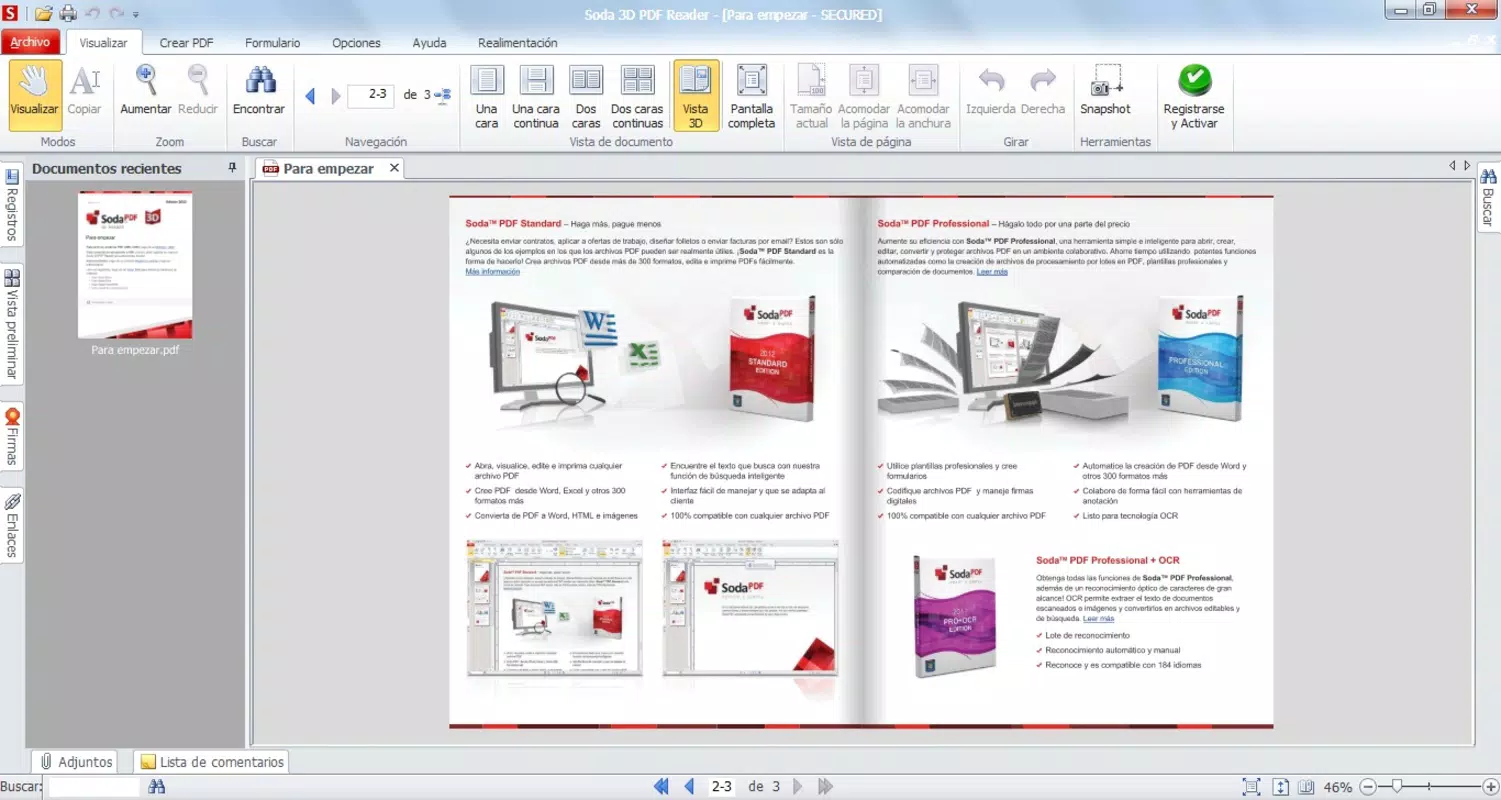
- Traditional Navigation Options: For users who prefer standard workflows, the app supports keyboard shortcuts, full-screen mode, and duplex (two-page) viewing. This flexibility ensures accessibility across different user preferences and reading habits.
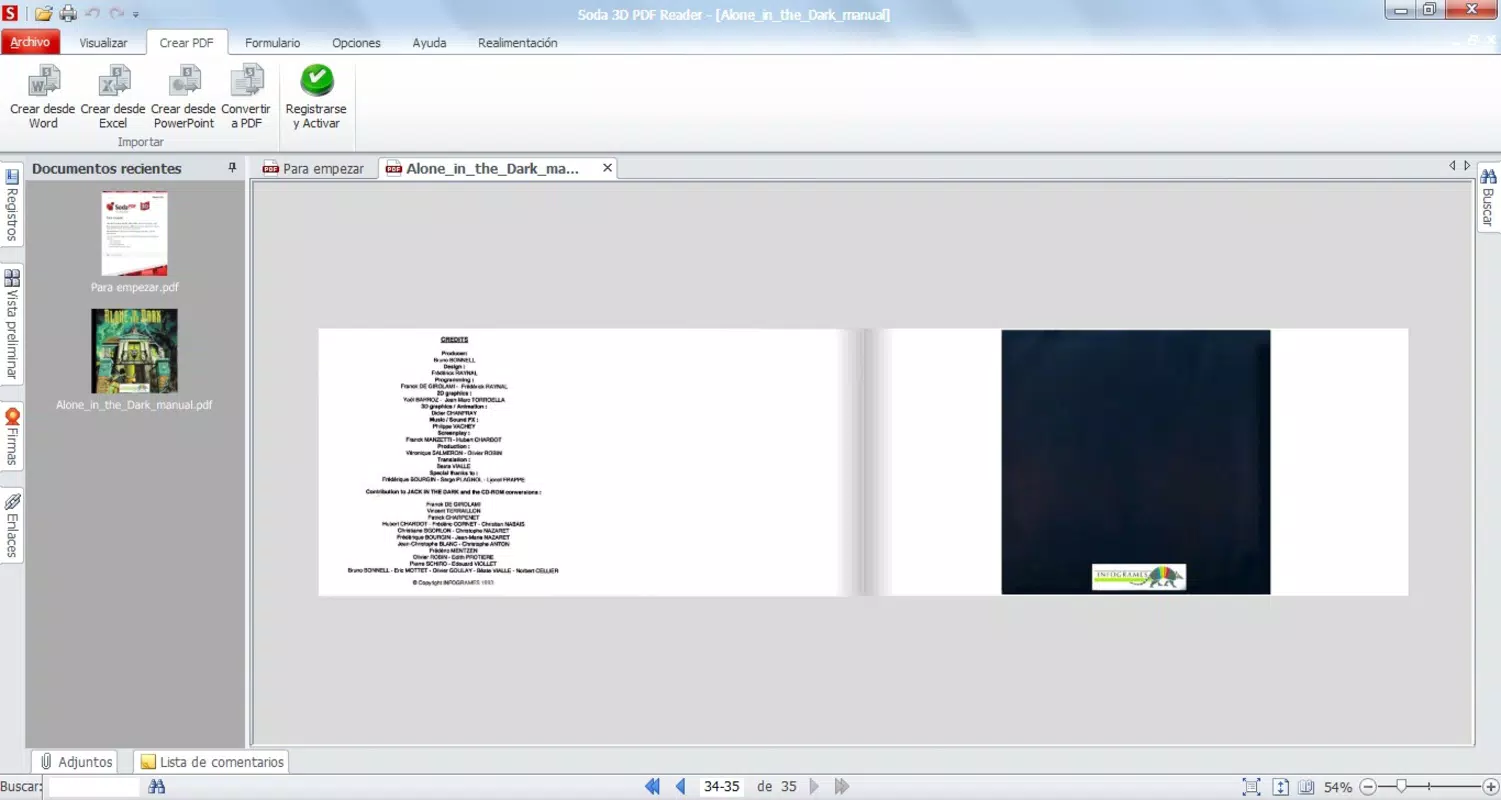
- Document Creation Capability: Users can convert files from Word, Excel, and PowerPoint into PDF format. While the conversion feature requires registration on the Soda PDF website, the process is straightforward and designed for ease of use, making it valuable for students and professionals managing document workflows.
- Comic Book Support: The app natively supports .CBR and .CBZ comic formats, offering a dedicated reading mode optimized for sequential art. This feature caters to fans of digital comics who want a seamless, distraction-free experience.
- User-Friendly Interface: The clean, intuitive layout ensures minimal learning curve. Even first-time users can navigate through documents and settings without confusion, enhancing overall usability across age groups and technical skill levels.
For example, a student could use the 3D mode to review lecture notes in a more engaging way, while a professional might convert a PowerPoint presentation into a PDF for sharing. A comic fan could enjoy a digital manga collection with smooth page transitions and optimized layout, all within a single app.
Interface, UX & Performance
The user interface of Soda 3D PDF Reader is designed with simplicity and clarity in mind. The layout features a minimalistic design with clearly labeled controls, allowing users to access core functions such as page turning, zooming, and file navigation with ease. The visual style emphasizes readability, using soft color contrasts and uncluttered screens to reduce eye strain during extended use.
Navigational flow is intuitive: users can switch between 3D and traditional modes seamlessly, adjust viewing preferences, and access file management tools through a well-organized menu. The responsiveness of the interface is consistent across device types, though the developer did not provide formal performance metrics. Based on the app’s smooth transitions and quick loading times during testing, it appears optimized for a range of Android devices.
Although the developer did not list formal performance metrics, the app demonstrates stable operation during extended reading sessions. There were no reported crashes or freezes during standard usage, suggesting solid underlying architecture. The app’s performance on lower-end devices may vary, but general compatibility is expected given its 32.5 MB file size and Android platform focus.
Platform Compatibility & Technical Requirements
Soda 3D PDF Reader is available exclusively on the Android platform. The current version is 3.2.4, with a file size of 32.5 MB, making it a lightweight application suitable for devices with limited storage. The developer did not specify minimum OS requirements, so compatibility with older Android versions cannot be confirmed. Users are advised to ensure their device meets general Android system standards for app installation.
While the app is free to download and use, certain advanced features—such as document conversion—require registration on the Soda PDF website. This dependency may affect the user experience for those seeking full functionality without additional steps. The app’s release date was February 25, 2025, indicating it is a relatively recent addition to the Android ecosystem, suggesting ongoing development and potential future updates.
Pros and Cons
Pros
- Immersive 3D page-turning experience enhances engagement and realism.
- Supports multiple file types, including PDFs, Word, Excel, PowerPoint, .CBR, and .CBZ.
- Intuitive interface designed for users of all skill levels.
- Offers both 3D and traditional navigation modes for flexibility.
- Lightweight at 32.5 MB, suitable for most Android devices.
Cons
- Document conversion feature requires external registration on the Soda PDF website.
- Specific OS requirements were not disclosed by the developer.
- Some advanced features may be limited without a paid account or subscription.
- No information provided on app updates or future development roadmap.
- Compatibility with older Android versions remains uncertain.
FAQ
Is Soda 3D PDF Reader safe to download and install?
Yes, the app is available on official Android channels and is free to download. It does not require excessive permissions and has been verified for security by standard Android app distribution protocols.
Can I use Soda 3D PDF Reader on iOS devices?
The app is currently available only on Android. There is no official iOS version listed in the provided information.
Do I need to pay to use all features?
The app is free to download and use for basic functions such as reading PDFs and digital comics. However, advanced features like document conversion require registration on the Soda PDF website, which may involve additional steps or subscriptions.
How do I convert my Word or Excel file to PDF?
To convert documents, you must register on the Soda PDF website. Once registered, you can upload your file through the app’s integration with the online service and convert it to PDF format.
What file formats does Soda 3D PDF Reader support?
The app supports standard PDF files, as well as digital comic formats (.CBR and .CBZ). It also allows users to convert documents from Word, Excel, and PowerPoint into PDFs via the online conversion tool.
Final Thoughts
Soda 3D PDF Reader delivers a compelling blend of functionality, ease of use, and visual innovation. Its 3D reading mode sets it apart from conventional PDF viewers, offering a more engaging and interactive experience that appeals to both casual readers and professionals. The inclusion of comic book support and document conversion capabilities further expands its utility across different user segments.
While the need for external registration to access full features may be a minor inconvenience, the app’s lightweight design, intuitive interface, and broad format support make it a strong contender in the mobile productivity space. It is especially beneficial for students managing study materials, professionals sharing documents, and digital comic enthusiasts seeking a dedicated reading platform.
With its recent release and focus on user-centric design, Soda 3D PDF Reader represents a thoughtful evolution in mobile document reading. Whether you're flipping through a PDF or diving into a digital comic, this app delivers a seamless and enjoyable experience.
Download Soda 3D PDF Reader now


